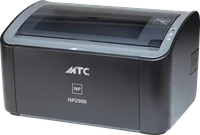
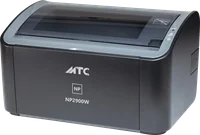
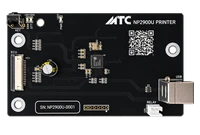
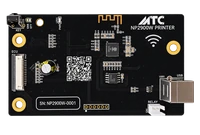

Formatter board · USB

MTC NP2900U

Swap the board. Print.

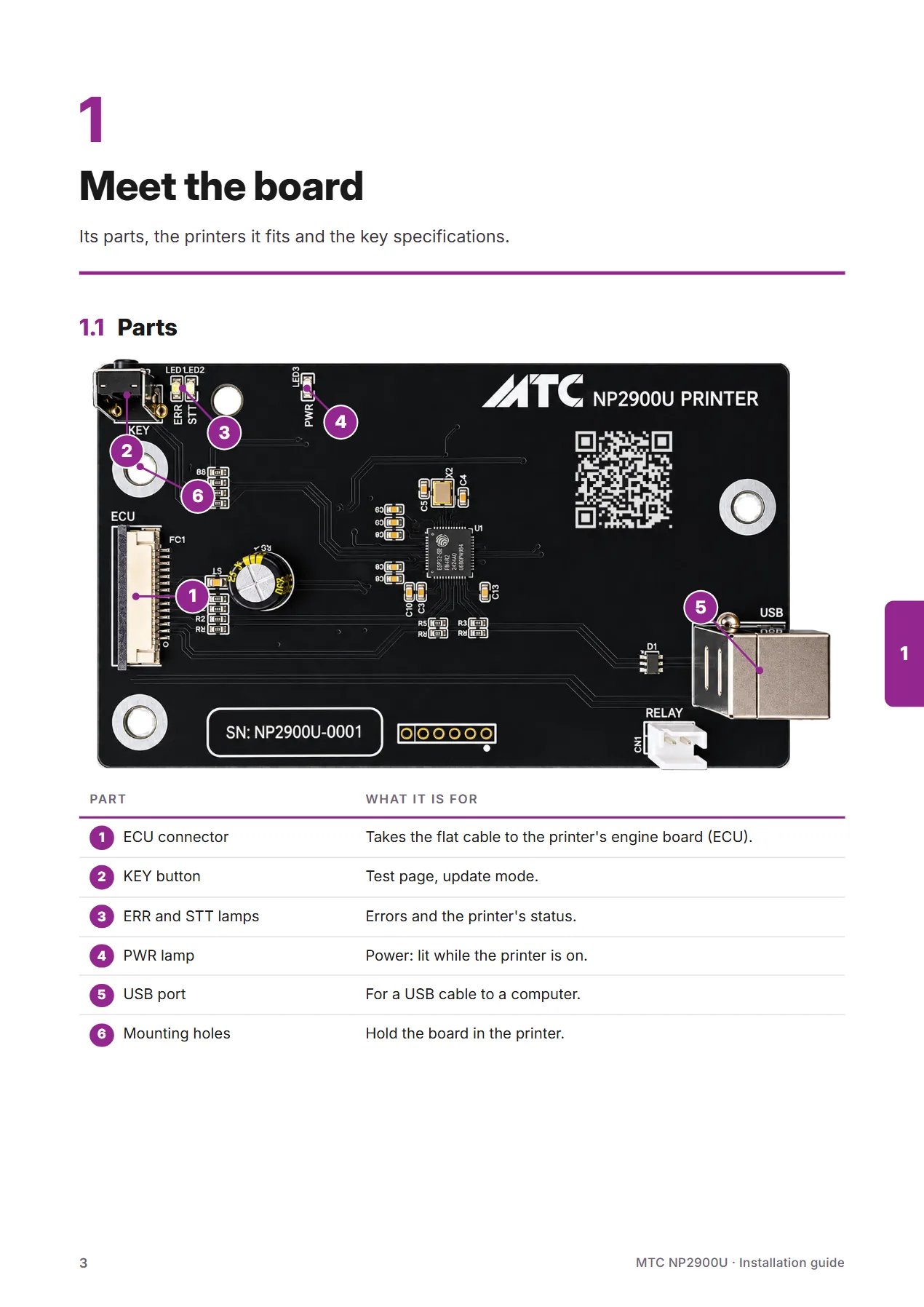
A formatter board that fully replaces the Canon LBP2900 and LBP3000 board and runs ECU HP1010, HP1018, HP1020, Canon LBP2900 and Canon LBP3000. Prints over USB with the MTC NP2900 driver or Canon's own; its software updates in the browser.

Price: On request
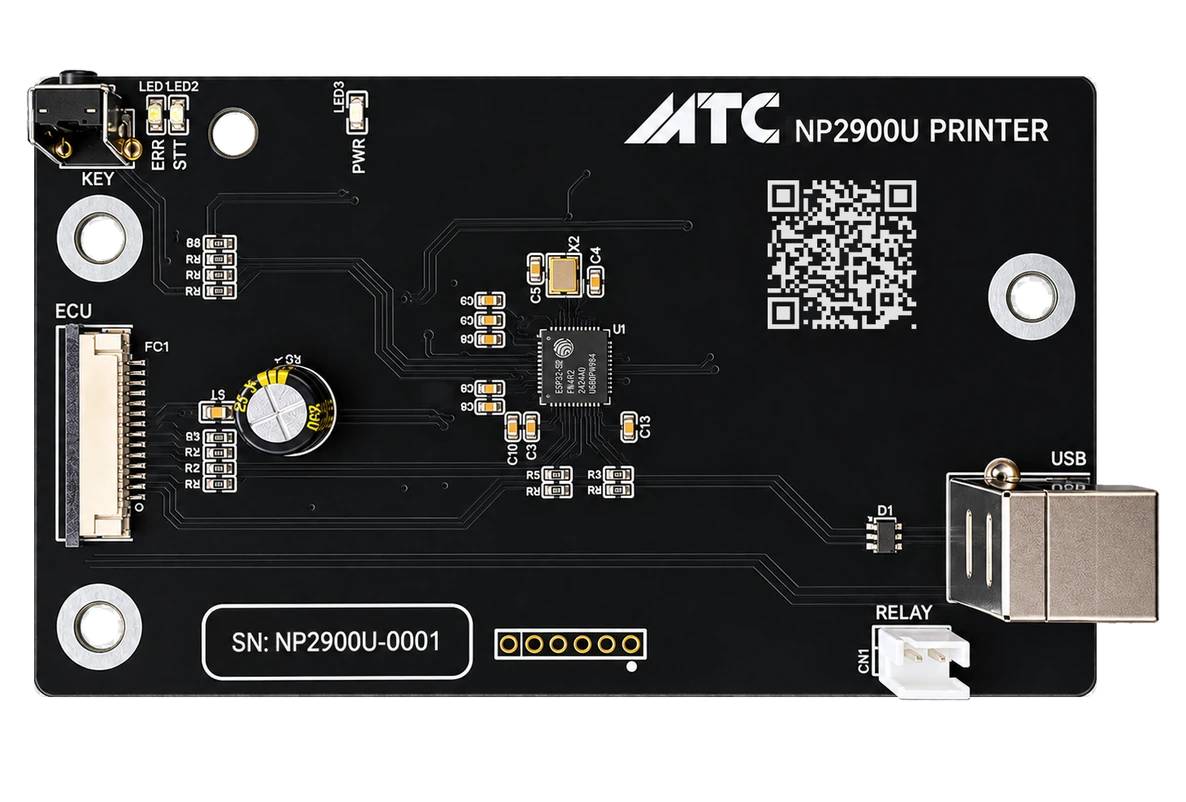
  • Full replacementCanon LBP2900, LBP3000
  • 5 ECU typesHP1010 · HP1018 · HP1020 · Canon LBP2900 · Canon LBP3000
  • USB 2.0MTC or Canon driver
  • Updates itselfAlways up to date
ItemValue
ProductLaser printer formatter board, USB
Replaces the board ofCanon LBP2900, Canon LBP3000 — a full replacement for the original board
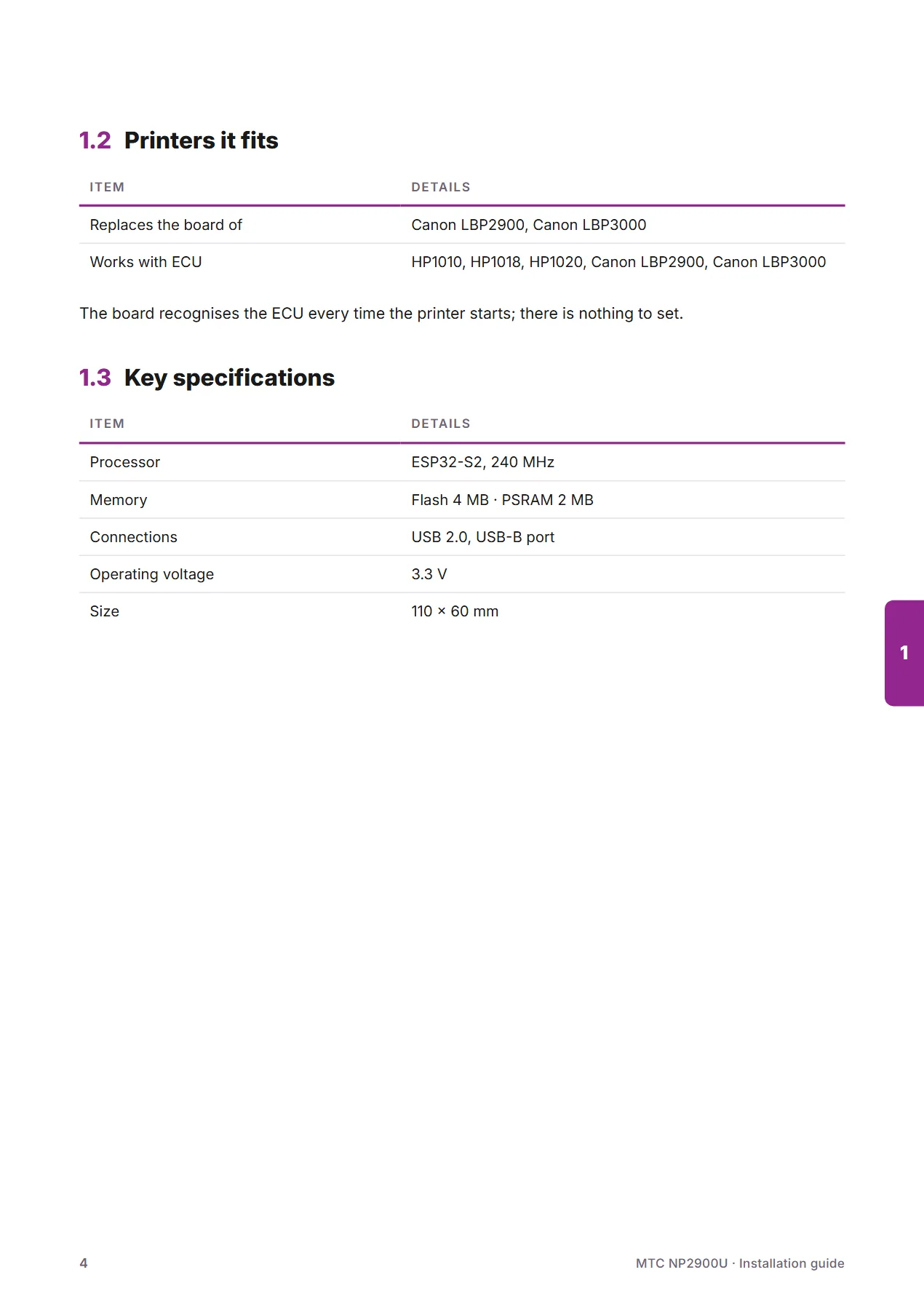
Works with ECUHP1010, HP1018, HP1020, Canon LBP2900, Canon LBP3000
ProcessorESP32-S2, 240 MHz
MemoryFlash 4 MB · PSRAM 2 MB
Computer connectionUSB 2.0, USB-B port
DriversMTC NP2900 Driver (Windows 11, 10 · 64-bit and 32-bit · macOS 13 or later) · Canon's own LBP2900 driver (Windows)
Software updatesIn the browser (Chrome, Microsoft Edge), over USB
SecuritySigned, encrypted software locked to each board, so it cannot be copied
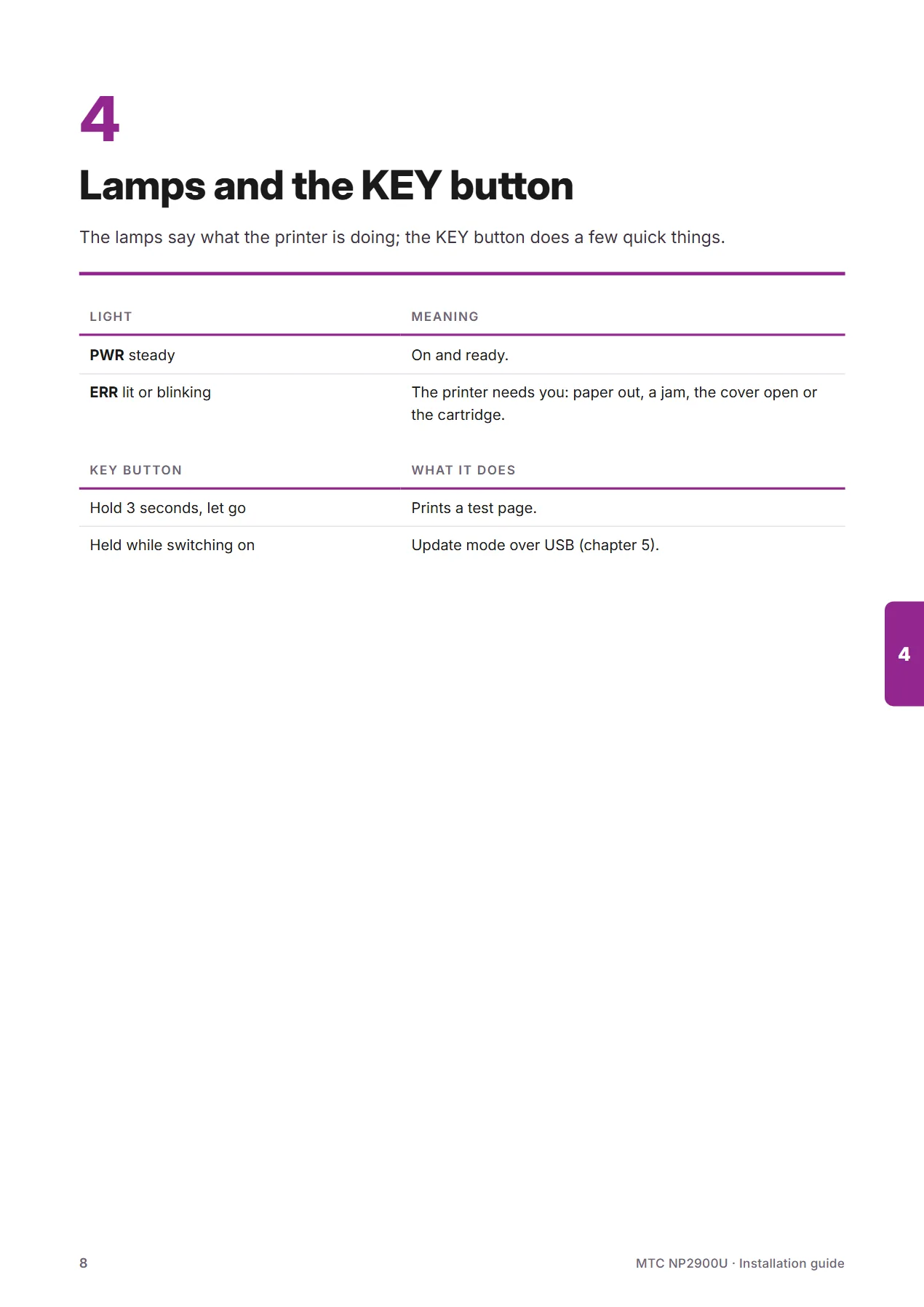
LampsPWR (power) · STT (status) · ERR (error)
Size110 × 60 mm
WarrantyContact your seller
PriceOn request
2 / 10
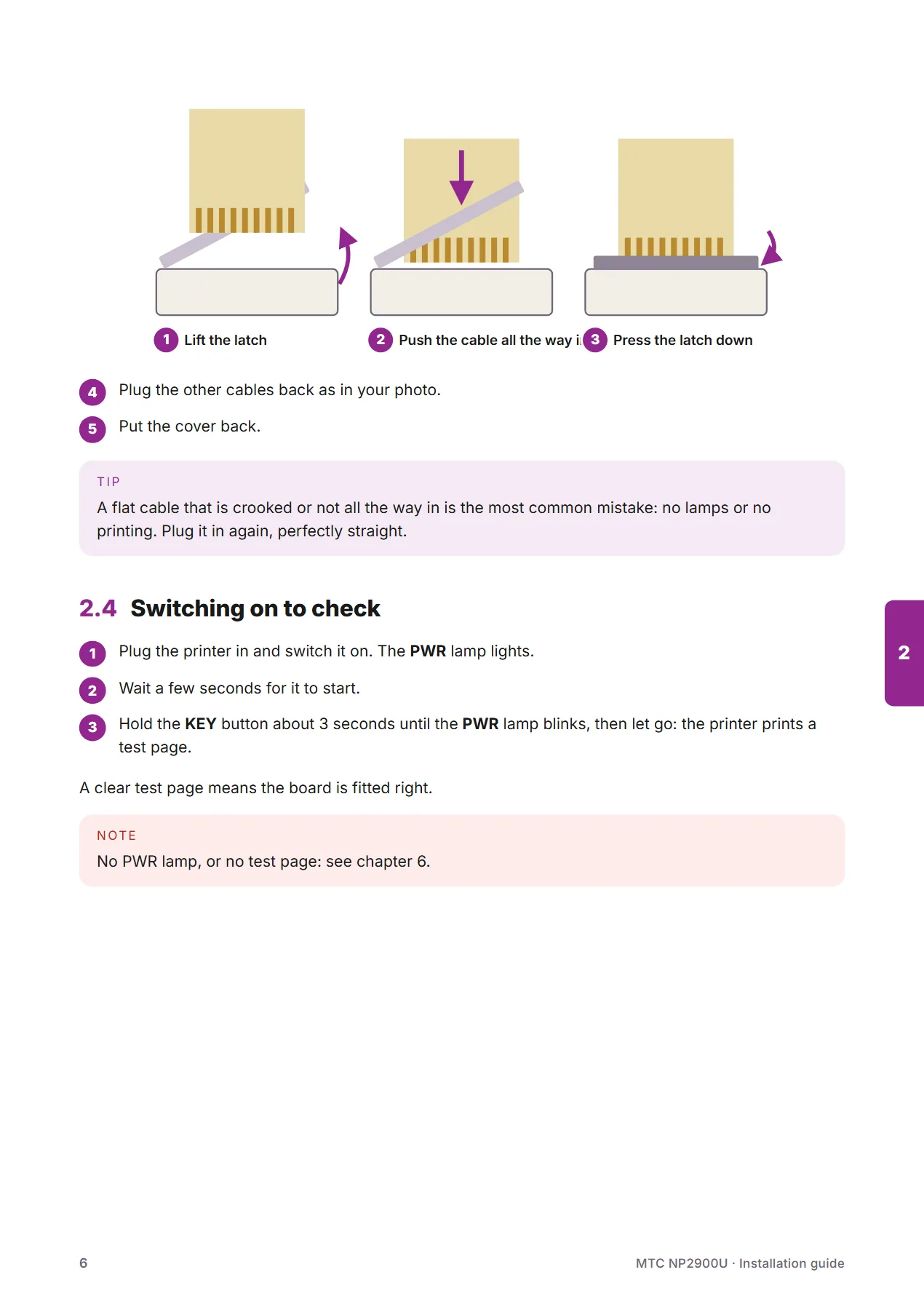
NP2900U board installation guide – 2/10NP2900U board installation guide – 3/10NP2900U board installation guide – 4/10NP2900U board installation guide – 5/10NP2900U board installation guide – 6/10NP2900U board installation guide – 7/10NP2900U board installation guide – 8/10NP2900U board installation guide – 9/10NP2900U board installation guide – 10/10

Drivers

Pick the version for your operating system to download.

Windows 10/11 (64-bit)

MTC NP2900 Driver — USB printing for 64-bit Windows

A status window that shows paper out, paper jams and print progress; updates itself. Setup screens in English.

Version
v1.0.0
Date
2026-11-11
Size
53.7 MB
Windows 10 (32-bit)

MTC NP2900 Driver — USB printing for 32-bit Windows

A status window that shows paper out, paper jams and print progress; updates itself. Setup screens in English.

Version
v1.0.0
Date
2026-11-11
Size
49.0 MB
macOS 13 or later · Apple silicon and Intel

MTC NP2900 — USB printing for macOS

Adds the printer to the Print dialog, with a status window; updates itself. If macOS blocks it: System Settings → Privacy & Security → Open Anyway.

Version
v1.0.0
Date
2026-11-11
Size
1.9 MB
Windows 10, 8.1, 7 · 64-bit · Canon's site

Canon's own LBP2900 driver — 64-bit Windows

Opens Canon Vietnam's download page. For every printer fitted with the NP2900U board, the LBP3000 included.

Version
R1.50 V3.30
Date
—
Size
10.93 MB
Windows 10, 8.1, 7 · 32-bit · Canon's site

Canon's own LBP2900 driver — 32-bit Windows

Opens Canon Vietnam's download page. For every printer fitted with the NP2900U board, the LBP3000 included.

Version
R1.50 V3.30
Date
—
Size
9.17 MB

Printer software

Any operating system

NP2900U board software

Fixes a rare blank page and improves performance. Update right in the browser on the Update page.

Version
v1.7.0
Date
2026-08-10
Size
0.9 MB
Which printers does the board fit?

The NP2900U and NP2900W boards fully replace the original board of the Canon LBP2900 and Canon LBP3000, and run ECU HP1010, HP1018, HP1020, Canon LBP2900 and Canon LBP3000. The board recognises the ECU every time the printer starts; there is nothing to set.

Is the board hard to fit?

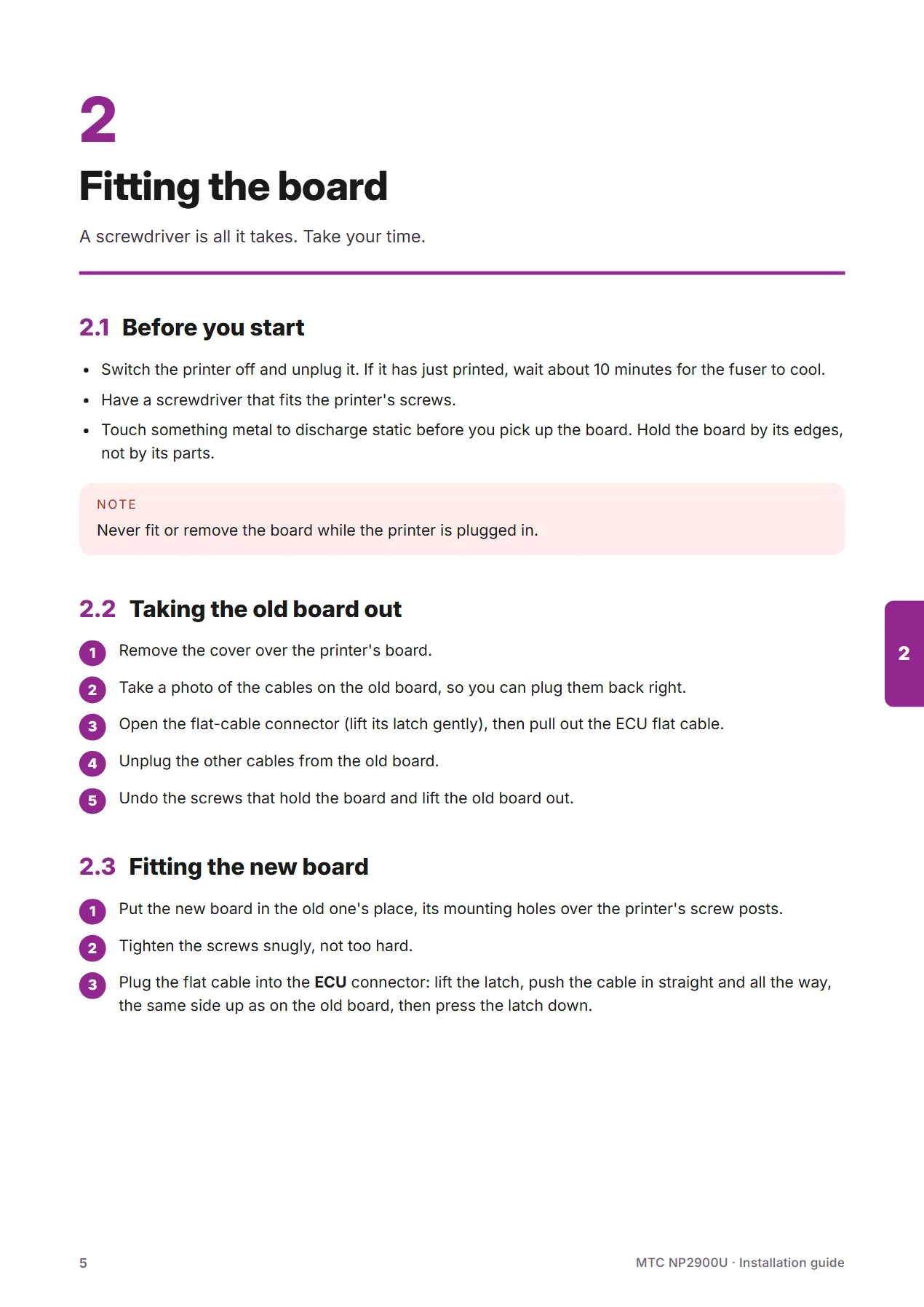
No — a screwdriver is all it takes. Unplug the printer, take the old board out, screw the new board onto the mounting holes, plug the ECU flat cable into the ECU connector and close the printer. The steps are shown with pictures in the User guides tab.

If you have never opened a printer, ask a technician.

Which driver does the NP2900U board use?

Either one:

  • MTC NP2900 Driver — Windows 11, 10 (64-bit and 32-bit) and macOS 13 or later.
  • Canon’s own LBP2900 driver — Windows, downloaded from Canon’s site.

The computer sees the board as an LBP2900, so the LBP2900 driver also serves an LBP3000 fitted with the board. Both are in the Drivers & updates tab.

Does it work with a Mac?

Yes. The macOS driver is on the Drivers & updates tab — download it and run it.

With the NP2900W, a Mac prints over WiFi with nothing to install: the printer simply appears in the printer list.

How do I update the board's software?

NP2900W board: the MTC app tells you when there is a new version and updates over Wi-Fi.

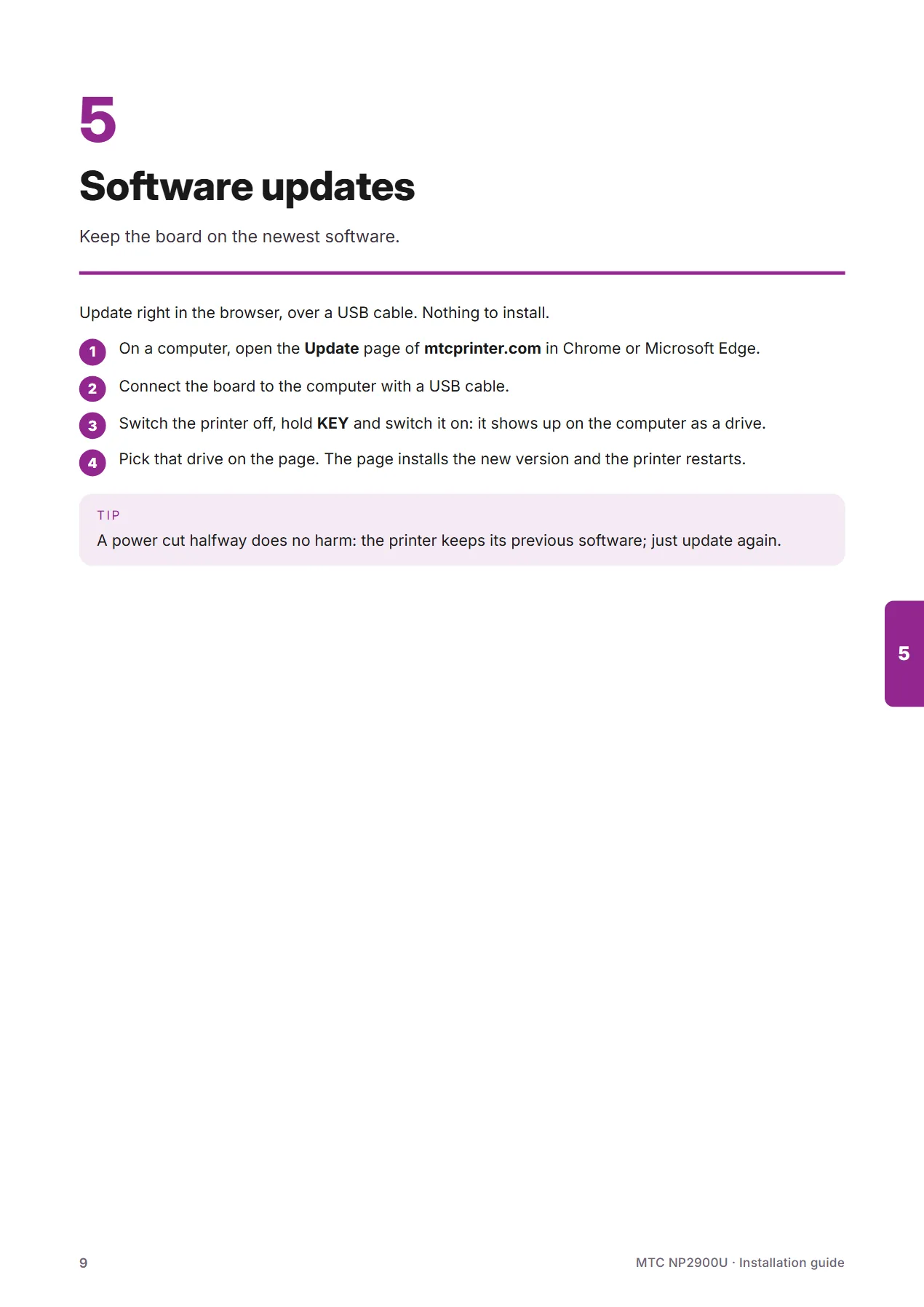
Both boards update over a USB cable: open this website’s Update page in Chrome or Microsoft Edge on a computer, switch the printer off, hold the KEY button and switch it on — the printer shows up as a drive. Pick that drive on the page; the page does the rest.

What if an update goes wrong?

Nothing happens. The printer checks every file before using it: a wrong or damaged file is refused. Even if the power cuts out mid-way, the printer keeps running its previous software. Just run the update again.

Where can I buy the board, and what does it cost?

Please contact MTC for a quote: the Contact page or support@mtcprinter.com.

Where do I get warranty service?

Contact the reseller you bought from. The printer keeps its own usage and update history in memory; a technician can read it instantly, which makes warranty service fast and transparent.

For direct help: support@mtcprinter.com.

Canon and LBP are trademarks of Canon Inc.; HP is a trademark of HP Inc. MTC is not affiliated with Canon or HP; the names only say which printers the board fits.